

CHRM · The execution layer for CRM

Stay human.
Let AI do the rest.

CHRM is the execution layer for your CRM. It uses AI to run the complex sales processes B2B teams already have (filling the fields, sending the follow-ups, flagging the deals that slip) and to learn how to improve them. Without implementation risk. Without messy workflow building. Without needing an engineer. It just works.

No commitment · HubSpot & Pipedrive · Setup in under a day

Connects with
  • HubSpot
  • Pipedrive
  • Calendar
  • LinkedIn
  • Apollo
  • Built-in notetaker
Stories from the team

A day on CHRM, by role.

Four people. One company. Series A B2B SaaS · 10 closers · MEDDPICC playbook. People shown are fictive and illustrative.

The team — fictive, illustrative.
The team · illustrative
Founder & CEO — illustrative.
Founder & CEO · illustrative
Founder & CEOSeries A B2B SaaS · 10 closers · MEDDPICC playbook
“I signed on a Tuesday. Wednesday morning we were processing calls.”
The pain

I had just raised. I had no time for a six-month rollout.

We closed our Series A on a Monday and I had a VP Sales starting in three weeks. He was going to inherit ten reps, a HubSpot we'd outgrown in eighteen months, and a forecast number I'd already promised the board. CRM field completion was thirty-one percent. Pipeline confidence was a vibe.

I'd been pitched by the bigger platforms. Every one of them wanted a quarter of implementation, a six-figure annual contract, and a Slack channel with their CS team. I didn't have a quarter. I had three weeks before someone I'd just hired walked in expecting the basics to work.

Where CHRM came in

The risk was nothing. So I just tried it.

What got me past the door was the offer. Twenty-minute demo. Thirty days free for up to five seats. No contract negotiation, no procurement form, no implementation timeline written on the whiteboard. If it didn't work I'd close the tab.

I signed up on a Tuesday afternoon. Wednesday at 9am we had a twenty-minute call. By 9:45 CHRM’s notetaker was joining every booked call on the calendar, every HubSpot deal had a CHRM record, and every Apollo prospect we had had a stakeholder map. There was nothing to roll out. There was nothing to ask the team to learn. Nobody knew CHRM existed until they noticed their CRMs were full.
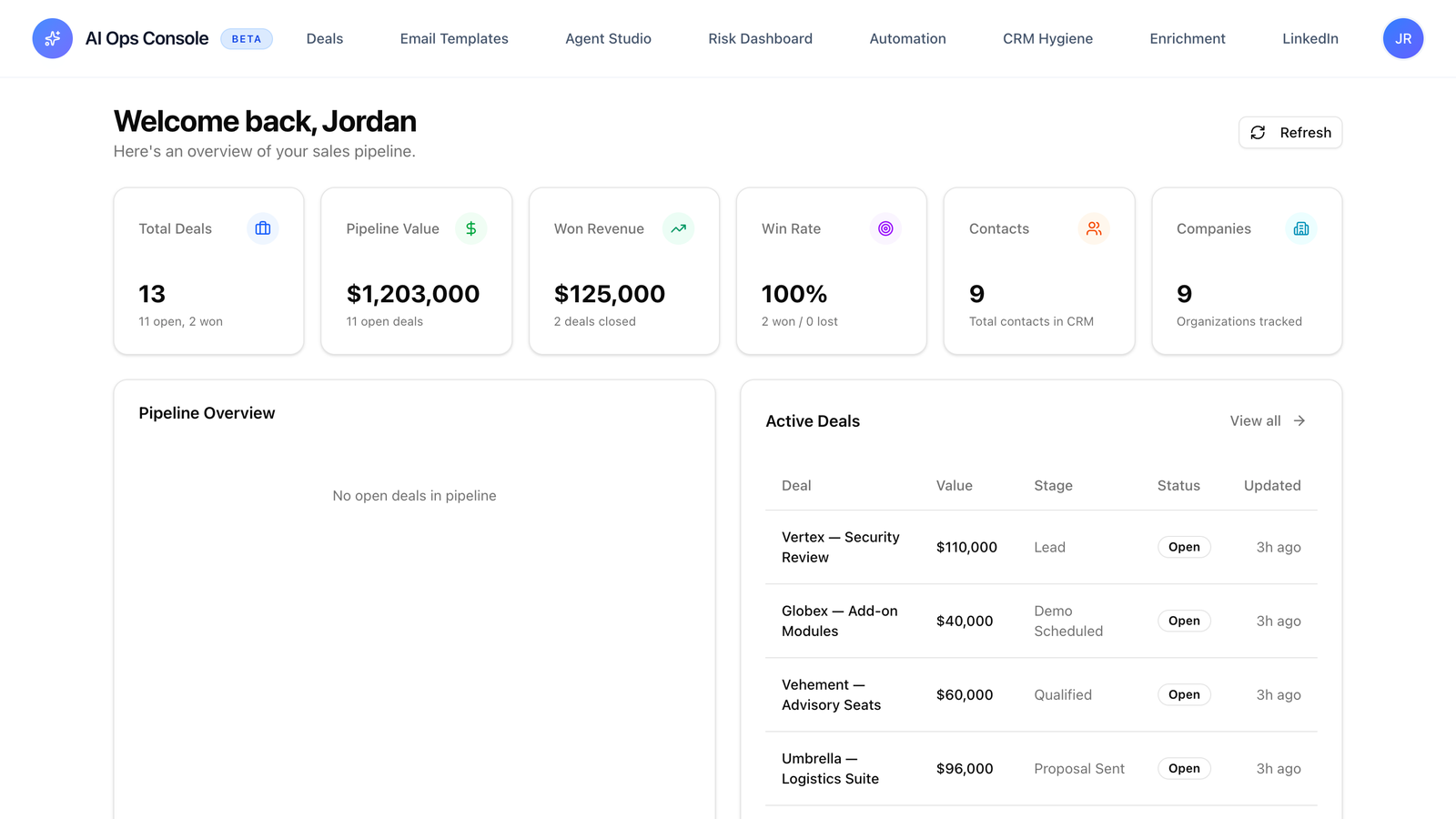
CHRMCRM forecast view · post-rollout
CRM forecast view · post-rollout
A populated HubSpot pipeline column that wasn’t there the week before.
See the forecast view in CHRM
How we set it up

There was no implementation. There was a 20-minute call.

We connected HubSpot. We connected Google Calendar, our LinkedIn, and Apollo. CHRM has its own notetaker. It joined every call from that moment forward, so there was no Fathom or Otter to plug in. I named the twelve fields I actually needed populated — champion, budget signal, timeline, next step, top objection, the rest of it. I named the five deal stages we use. That was the setup.

I never wrote a spec. I never opened a ticket. I never asked a single closer to do anything differently. Nothing in the stack was replaced. HubSpot stayed HubSpot. Fathom stayed Fathom. CHRM just sat on top.

What changed

My VP walked in to a CRM that was actually full.

By the end of week one I was opening HubSpot on Monday morning and seeing a real pipeline for the first time since we’d started selling. Every deal had a champion, a budget signal, a top risk, a next step. I could read the column. I could forecast from it.

My new VP started two weeks after CHRM went live. The first conversation I had with him was about strategy, not about cleaning up the CRM. I closed Q3 nine points over plan — not because CHRM closed deals, but because we stopped losing the ones we’d already earned to follow-ups that went out two days late.

9 ptsOver plan in the first full quarter on CHRM
0Days of implementation time
< 1 dayFrom signup to first call processed

Scenarios and the people shown are illustrative, not customer testimonials. Numbers are representative of CHRM’s design intent at this stage of the company.

Features

Four steps. One system.

See every feature page →
Setup

Connect four things. You’re done.

No workflow design. No automation builder. No engineer on a call explaining your sales process.

What you connect

  • 01
    Your CRMHubSpot or Pipedrive. OAuth in fifteen minutes. CHRM reads your existing fields and stages. We do not impose a schema.
  • 02
    Your calendarGoogle or Microsoft. CHRM’s built-in notetaker joins every booked call automatically. No third-party tool to install.
  • 03
    LinkedInFor stakeholder context. Champions, blockers, decision-makers — pulled per deal, kept current.
  • 04
    ApolloFor firmographics and prospect data. Every account record arrives populated.

What you don’t do

From four OAuth clicks, CHRM is fully configured to run every deal end to end.

Every other category of sales tool asks you to build a workflow. Drag the trigger node. Connect it to the action node. Define the conditions. Test it. Document it. Maintain it as your process changes. Hire a GTM engineer to own it.

CHRM doesn’t do that. You connect the four sources above. We read your CRM schema and your calendar. The execution layer turns on. Calls are captured, fields are populated, follow-ups are sent, risks are flagged. From day one, without an automation diagram anywhere on the page.

Setup time< 1 day
Engineers neededZero
Workflow nodesNone
First 30 daysFree
Compare

What CHRM is, and isn’t.

Four categories of tool the market keeps confusing us with. Pick one to compare against, capability by capability.

They promise to replace your CRM with an AI-native one. The vision is clean. Then you read the implementation guide. Every capability beyond core record-keeping requires custom workflow nodes, agents you configure yourself, schemas you migrate, and an engineer to keep the integrations stitched together. The output is slop held together with shaky APIs. We don’t replace your CRM. CRMs are great record-keeping tools. CHRM sits on top of yours.

Native · built-in~ Partial! Possible with engineer + brittle integrations Not supported
CapabilityCHRMThe execution layerAI-native CRMsAttio · Day.ai · agentic CRM startups
Captures every conversation automatically!Possible — with brittle integrations + an engineer
Populates your existing CRM fieldsInto your existing HubSpot or Pipedrive!Possible inside their own CRM only — not yours
Source-line citations on every valueEvery field links to the source line!Available where built; rarely shipped by default
Auto-drafts personalised follow-ups in rep voice!Requires workflow nodes + an agent config
Real-time deal risk detection across the pipelineFive risk categories, real-time, no config!Custom-built per team via their canvas
Buying-committee + stakeholder map per deal!If your engineer wires it
LinkedIn warm-up outreach for the committeeWarm-up outreach includedNo native LinkedIn outreach
Coaching insights for repsSide effect of the execution data!Possible via custom dashboards
Continuous win/loss process iterationMulti-agent win/loss analysisWorkflow canvas, not learning loop
Top-of-funnel prospecting + cold sequencingNot our lane — we integrate with Apollo/OutreachNot their job
Works with your existing CRM — no migrationYour CRM stays canonicalRequires migrating off HubSpot or Pipedrive
Setup without an engineer or workflow builderFour OAuth sign-ins, no canvasWorkflow design = GTM engineering tax
Book a call

Stay human. Let AI do the rest.

A twenty-minute call. Then a configured product, the same week. We don’t do self-serve onboarding. A short call lets us configure CHRM to your CRM fields, your deal stages, and the way your team actually works. If we’re not the right fit, we’ll say so before the second call.

Twenty minutes · no commitment · first thirty days free for up to five AE seats

Not ready to book? Get a free audit →