Features · CHRM
Capture. Structure. Activate. Iterate.
Four steps from conversation to closed-won. The execution layer that sits on top of your CRM, doing the work the category was always supposed to do.
Every conversation, in. Automatically.
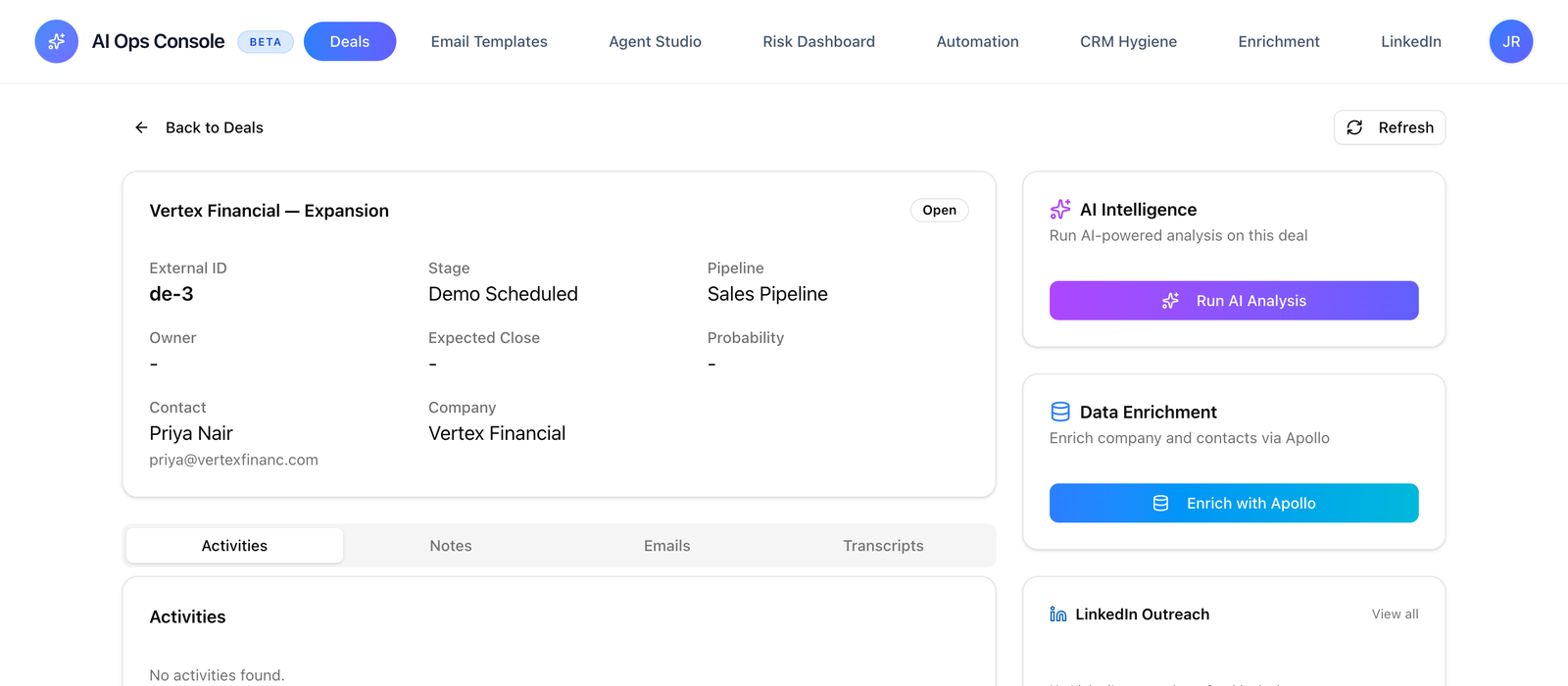
CHRM has its own notetaker. It joins every booked call on your calendar, reads every email thread, and pulls context from LinkedIn and Apollo. Nothing to plug in. Nothing for your team to do.
Your team already talks to buyers. CHRM listens to every word — without making them log it, and without making them install a fourth notetaker. The CHRM notetaker is built in. It auto-joins every call on your team's calendar, transcribes, and feeds the rest of the system continuously.
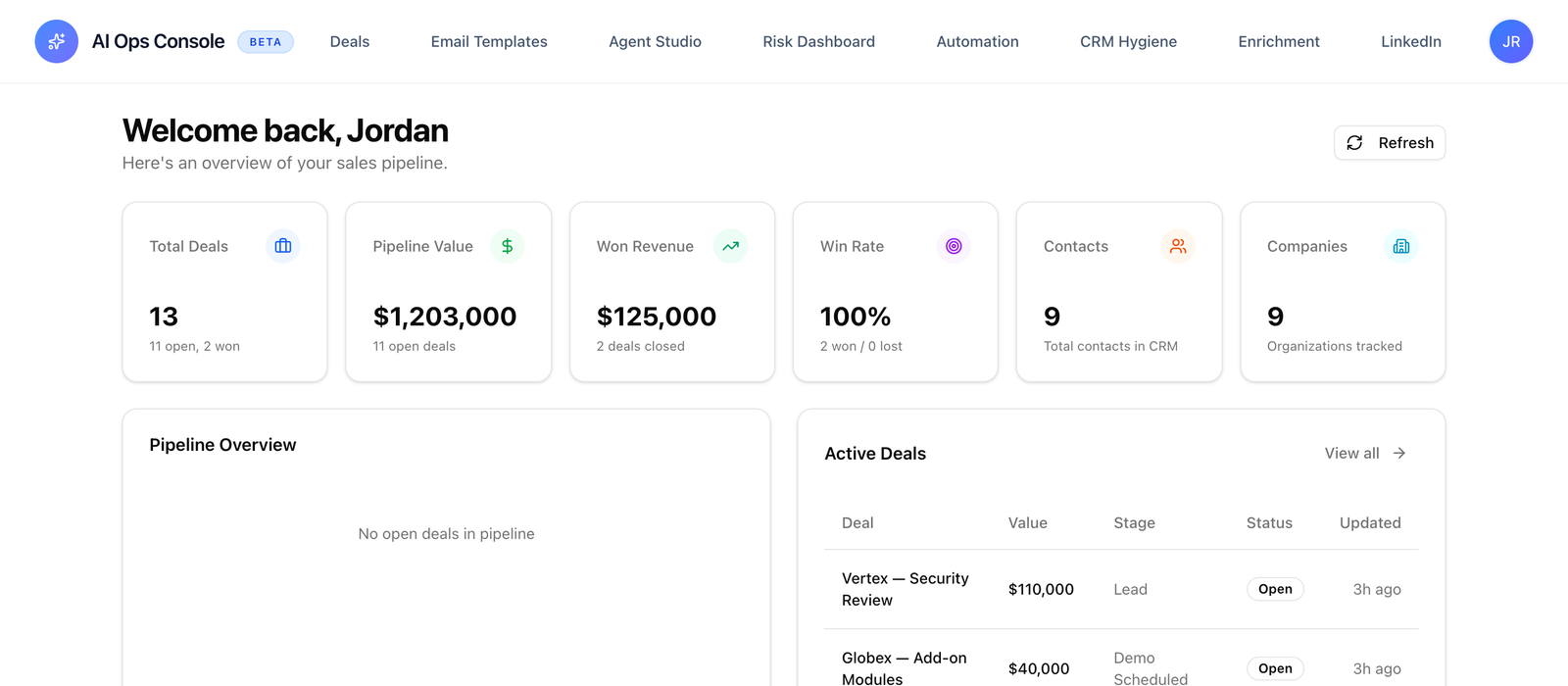
Around the call, CHRM pulls everything else worth knowing about the deal: the email thread either side of it, the buyer's LinkedIn for stakeholder context, the company's Apollo record for firmographics. If you already use Fireflies, Fathom, or Otter, CHRM ingests their transcripts too — they're just one source among several.
- Built-in notetakerJoins every Zoom, Meet, and Teams call on your team’s calendar. No third-party tool to install.
- Calendar-drivenConnects to Google or Microsoft. The right calls are captured automatically. You don’t configure rules.
- LinkedIn + ApolloStakeholder context and firmographics, pulled in per deal. No more flipping between tabs.
- Email threadsBoth directions. Connected via OAuth, not credentials.
- External transcriptsIf you use Fireflies, Fathom, Otter, or Gong, we ingest them too. They’re just another source.
Conversation becomes structured deal data.
Your fields. Your stages. Your playbook. Populated from the call, not from a rep’s memory two days later.
CHRM reads each conversation and writes it into your CRM using your existing field definitions. Champion, budget signal, timeline, top objection, next step, the twenty other fields you actually care about. Whatever your team has built into HubSpot or Pipedrive, CHRM populates.
We don't impose a template. We don't standardise you onto a generic MEDDPICC. Your sales process is already encoded in your CRM schema. CHRM reads it, asks a few clarifying questions during a 30-minute call, and from then on writes structured data into the fields you already have. Empty fields where information wasn't discussed; populated fields where it was.
- Your custom fieldsWhatever you built into HubSpot or Pipedrive. We read the schema you already have.
- 92–97% accuracyOn well-structured calls. Calls where deal specifics are discussed produce near-perfect outputs.
- Empty over wrongWhen information is ambiguous or not discussed, CHRM leaves the field empty rather than guess.
- Stakeholder mapsChampions, blockers, economic buyers — tagged and tied to the deal automatically.
The next action happens.
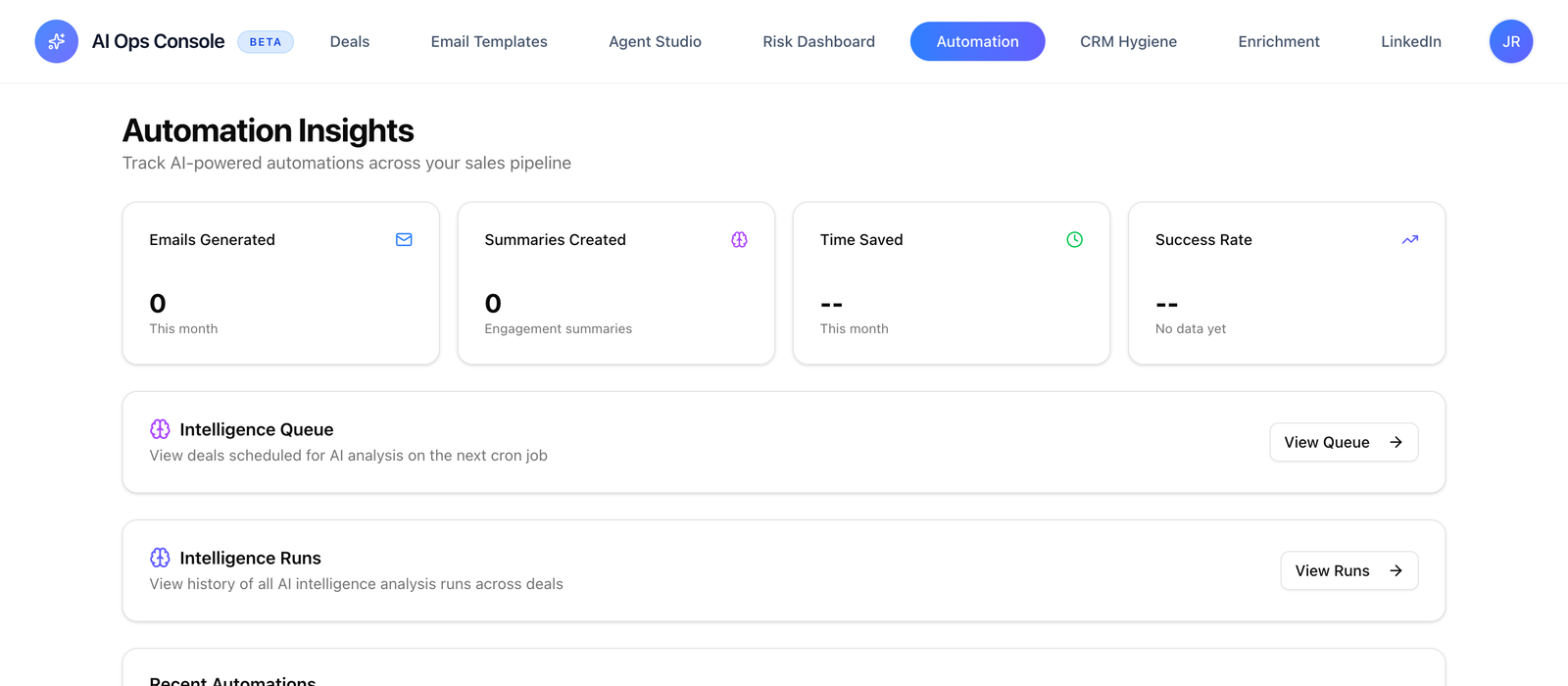
CHRM doesn't surface what to do. It does it. Follow-ups send. Risks flag. The work after the call is finished before the closer’s next Slack message.
This is the layer every other tool stops short of. Note-takers stop at the transcript. Conversation intelligence stops at the insight. Your CRM stops at the field. CHRM acts on all of it.
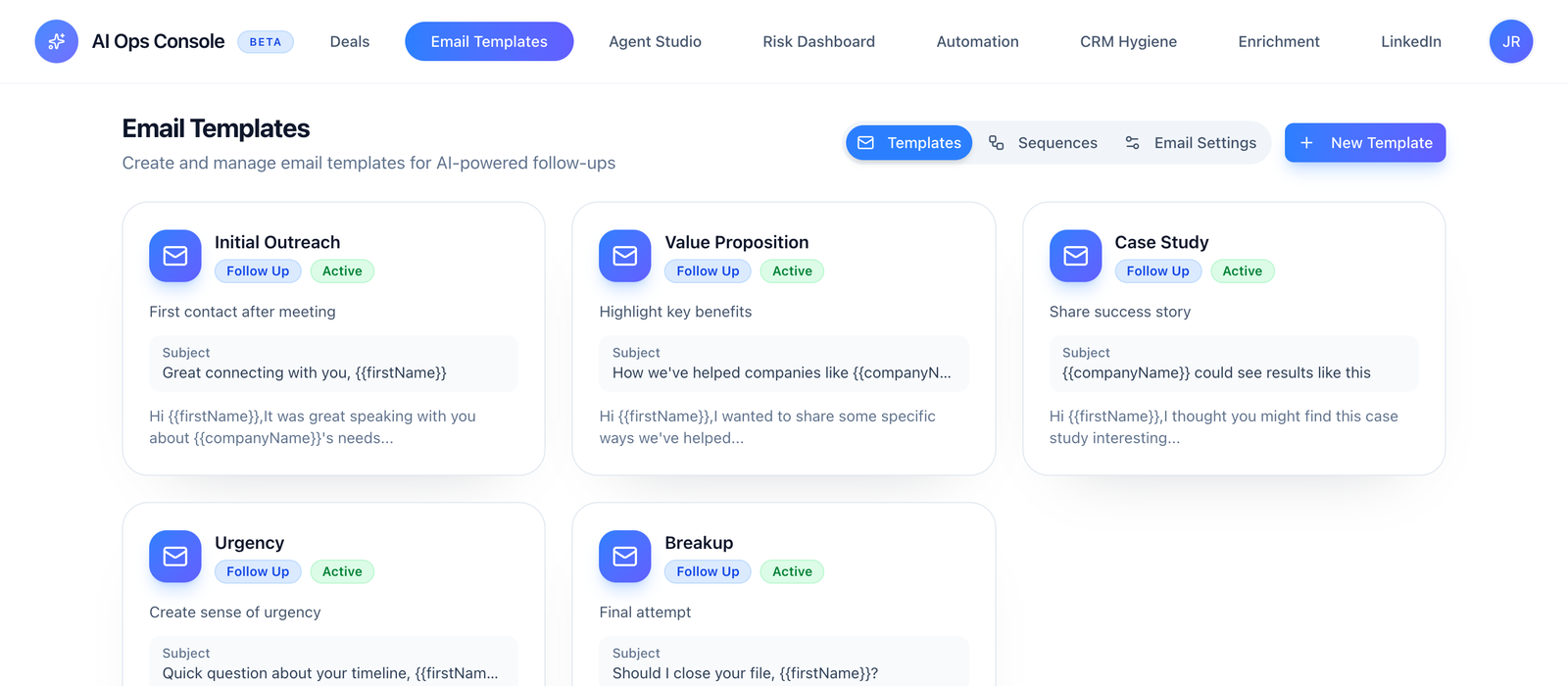
Within minutes of a call ending, a personalised follow-up is drafted and sent through your CRM — referencing the things the buyer actually said, attaching the right collateral, using the rep's voice. Risk signals hit the manager dashboard. Stakeholder gaps surface before they become lost deals. No closer in the loop.
- Personalised follow-upsBuilt from deal context, persona, and stage. Multi-step sequences when needed.
- Sent in under 5 minFrom your CRM, in your voice, using your collateral library.
- Risk detectionMissing decision-makers, budget uncertainty, timeline drift, champion disengagement, competitive threat.
- Manager dashboardRisk and execution quality across the entire pipeline. Not just flagged deals.
Your playbook gets sharper.
CHRM doesn’t just run your process. It watches every deal and learns what actually works.
Sales playbooks are usually written once and revised never — because the data needed to revise them lives in conversations nobody logged. With CHRM, every conversation is structured. So is the outcome. The playbook stops being a Notion doc nobody reads and starts being a system that improves.
CHRM surfaces patterns across closed-won and closed-lost: which objections appear earliest in winning deals, which stakeholder mixes correlate with longer cycles, which follow-up phrasing produces replies. Your weekly review becomes a coaching session backed by real data. Your playbook becomes a record of what your team actually wins on.
- Win/loss patternsCHRM surfaces what actually correlates with closed-won — across every deal, not a sample.
- Coaching signalsPer-rep execution quality, follow-up gaps, deals where the process broke.
- Playbook updatesWhen a pattern is clear, CHRM suggests a playbook change you can ship or ignore.
- Forecasting that holdsPipeline data is honest, so the forecast is too. Variance drops quarter over quarter.